AI Content Verification
Check patent text an AI helped write. Patent numbers, quotes, figures and statute citations are checked one by one, and you get a list of items to verify.
What it does, and what it doesn't
Paste in patent text and the tool checks what can be checked against real data, then lists the items you need to verify. No language model is involved: rules pick out what to check, real databases do the checking, and code writes the conclusions. The same text always gets the same result.
It looks at:
- Patent numbers and dates. Each number is looked up, and those found come back with their real title and dates, which are compared with what the text says. Chinese and US numbers are covered.
- Quotes. A quote tied to a specific patent is searched for word for word in that document.
- Figures. Claimed measurements, statistics, test-standard codes and precise improvement percentages.
- Statutes. Citations to Chinese statutes are listed so you can check the current text.
- Form. If claims and description headings are recognised, it checks claim numbering, dependencies, antecedent basis and figure references.
- AI-style phrasing. Phrasings AI tends to use that never appear in the granted patents we calibrate against.
It doesn't decide whether AI wrote the text, and it never calls anything fabricated. It doesn't assess novelty, drafting quality or compliance with filing rules; those depend on whether real R&D took place. It isn't legal advice.
Who it's for
- Inventors and engineers who drafted a patent with AI and want to check it before it reaches a patent attorney.
- Business owners who have been handed a draft and want its citations and data checked.
What to prepare
- The text to check, at least 30 characters: claims, description, background or an office-action response.
- Or a file: PDF, DOC, DOCX, TXT, MD, JPG or PNG, up to 50 MB each. Scans and images need you to be signed in. The text goes into the input box.
- Optionally, your own invention disclosure or test notes.
Step by step
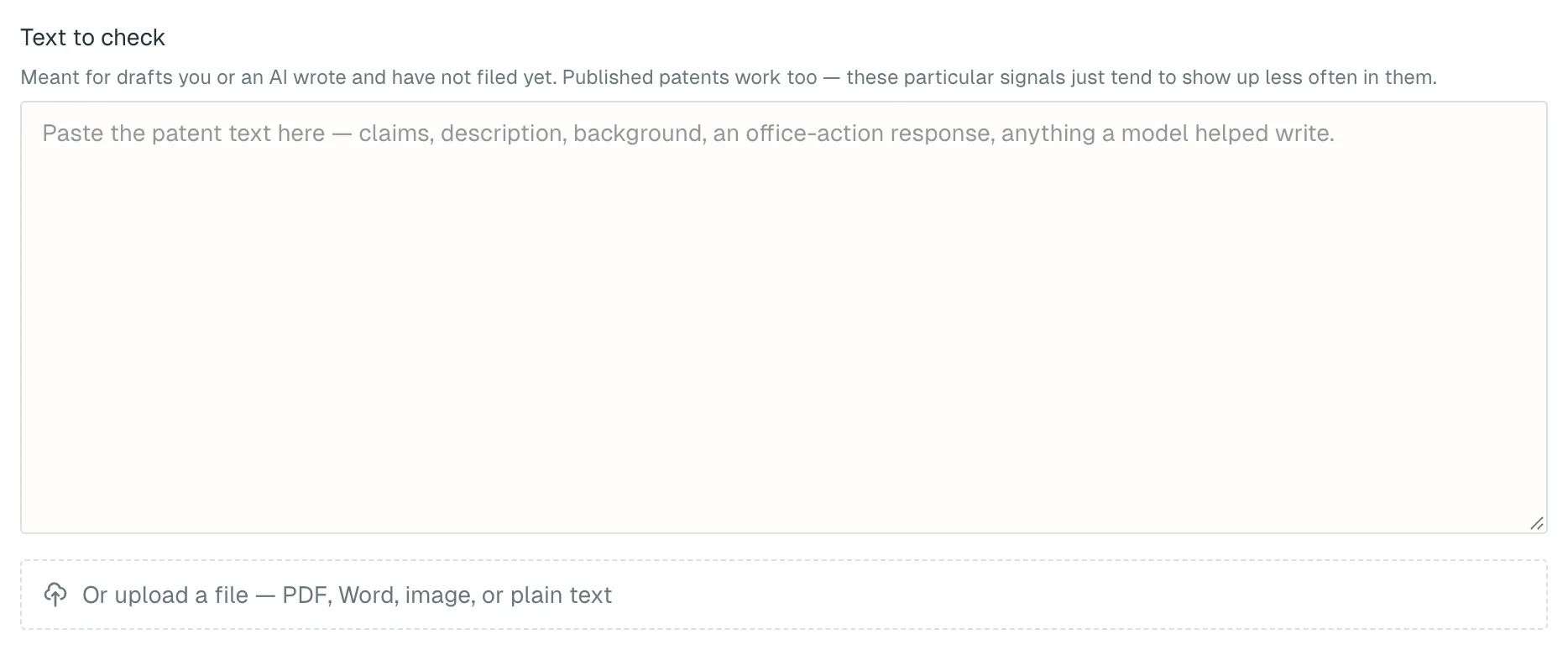
- Open AI Content Verification. If you aren't signed in, you'll be asked to when you submit.
- Paste your text into Text to check, or click the upload area under the box.
- To show which figures have a source, click Add your own source material (optional) and add your disclosure or notes.
- Click Run check. Results usually take a few seconds.
- Read "What was checked" first, then work through the items marked "Check first".
What you get
- What was checked: how many patent numbers were found and looked up, and how many quotes were tied to a document. Each check shows whether it ran.
- AI-style phrasing: a low, medium or high reading, with suggested fixes for medium and high.
- To verify: each item has a priority, the wording it came from and what to check.
- Confirmed against real records: numbers found and quotes located, with title and dates.
The result is saved to Run history in your avatar menu. There is no Word or PDF download.
Cost
Each check costs 1 credit / run, charged when you click Run check. Checking the same text again counts as a new check. If a check fails and you get no result, the credits are refunded automatically. See Account and credits.
Things to know
- Only the first 60,000 characters are checked. Split longer text into parts.
- Up to five patent numbers are looked up per run. Extra ones are listed as not checked; submit them separately.
- A quote is only checked if its sentence contains exactly one patent number. Matching is exact, so a translation or different version won't match.
- "Not found" means not found in the libraries we cover. They are offline snapshots, so very recent publications may be missing.
- Figures you wrote yourself are listed too. Figures that also appear in your source material are de-emphasised, but still listed.
- An empty to-verify list doesn't mean the draft is fine.
- Don't present anything you haven't measured as a measurement. Describe it qualitatively or leave it blank until you've run the test.
What to do next
- Once you've worked through the list, give the draft and your research records to a patent attorney before deciding whether to file.
- No draft yet? Write one with Patent Application Drafting, then check it here.
- If figures lack real measurements, plan the tests with R&D Roadmap Planning and log the results there.